
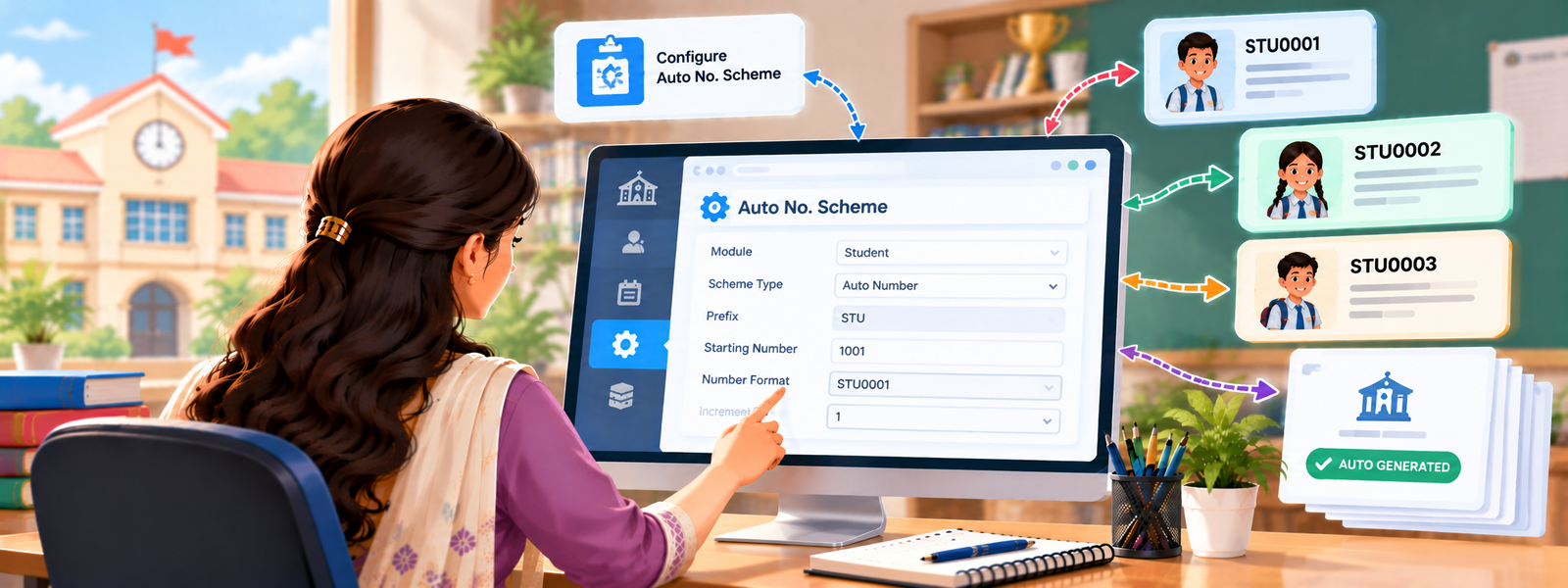
The Auto No Scheme feature in DigiEdu ERP Software is a core configuration tool that automates the generation of sequential identification numbers and reference codes across your institution without manual entry each time.
How to Use Auto No Scheme
Managing your numbering sequences involves setting up a few key parameters:
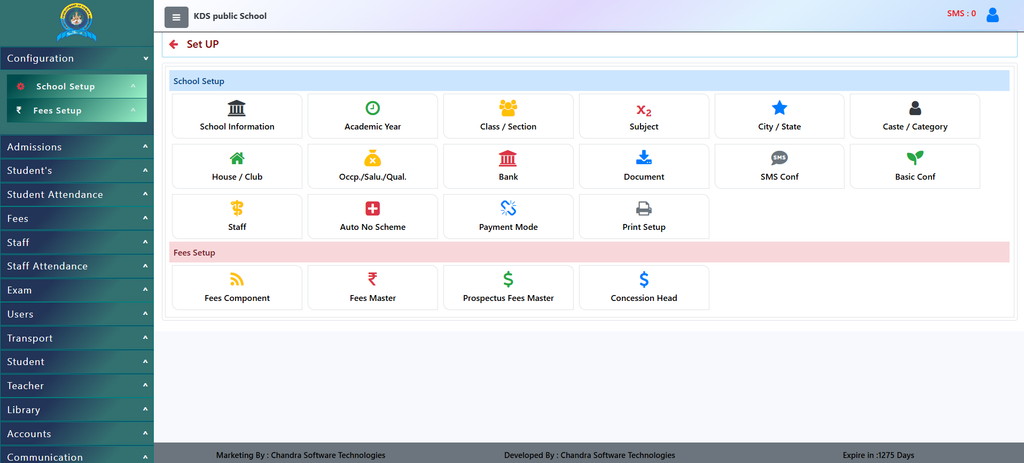
- Navigate to Setup: Login to DigiEdu ERP account and open school configuration dashboard and open the Auto No Scheme section.
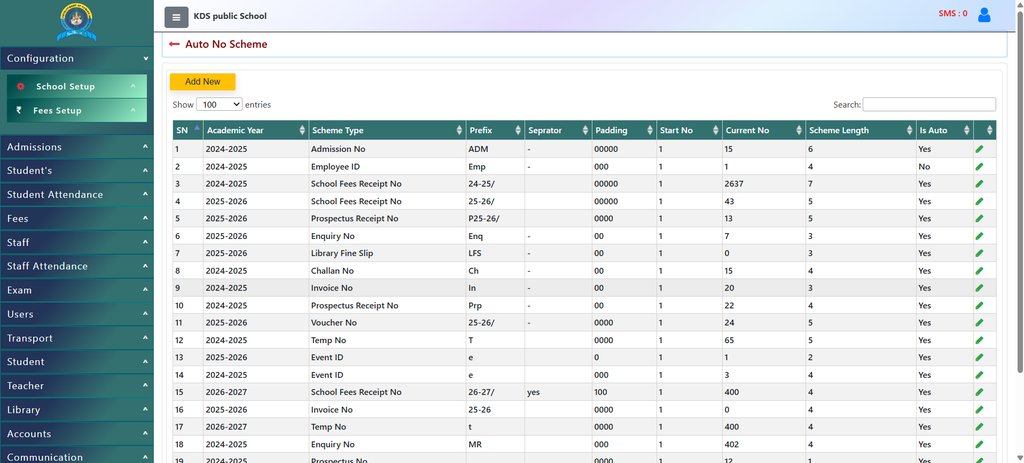
- Define Scheme Type: Choose the category you want to automate—such as Admission No, School Fees Receipt No, Employee ID, or Invoice No.
- Set Academic Year: Map the scheme to the correct session (e.g., 2025-2026 or 2026-2027) to keep records segregated.
- Configure Components:
- Prefix: Add a textual identifier (e.g.,
ADMfor admissions or session-based prefixes like25-26/). - Separator: Define characters like hyphens (
-) to separate the prefix from the number. - Padding & Start No: Determine digit formatting (e.g.,
00000) and the starting digit. - Is Auto: Toggle this to “Yes” to let the system automatically increment numbers with each new transaction.
- Prefix: Add a textual identifier (e.g.,
- To Update any record simply press the pencil icon and change any detail you want.
Why Use It?
- Eliminates Manual Errors: Prevents duplicate entry, overlapping numbers, or missing digits in crucial financial and administrative documents.
- Saves Time: Automates routine administrative workflows so staff do not need to manually check the last generated number.
- Maintains Consistency: Enforces a uniform naming convention across academic years, making record-keeping and auditing much simpler.
- Custom Formatting: Allows institutions to distinguish documents by session, department, or transaction type effortlessly.
Contact Chandra Software Technologies
Looking for a technology partner for your business? Get in touch with Chandra Software Technologies to discuss your requirements and explore the right digital solution for your organization.
Address:
2A/638, Krishna Vihar, BSA Engineering College Rd, Mathura, Uttar Pradesh 281001
Sales:
+91 821 848 8224
info@cstmtr.com
Support:
+91 821 848 8224
support@cstmtr.com