
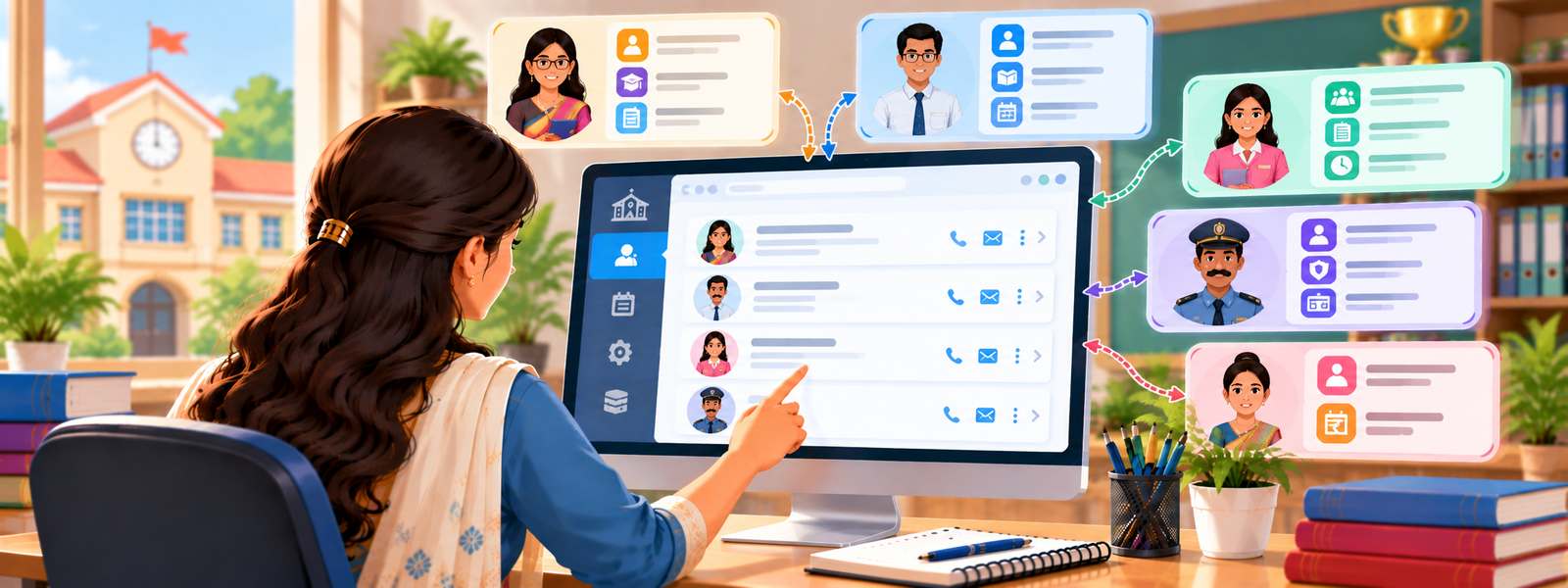
The Staff Section in DigiEdu ERP is a digital directory for you school staff. It acts as a single, organized list where the school administration can view, add, and manage every category of employee—from teachers and heads of departments to bus drivers and administrative staff.
Using this is Very simple. Here’s how to use it.
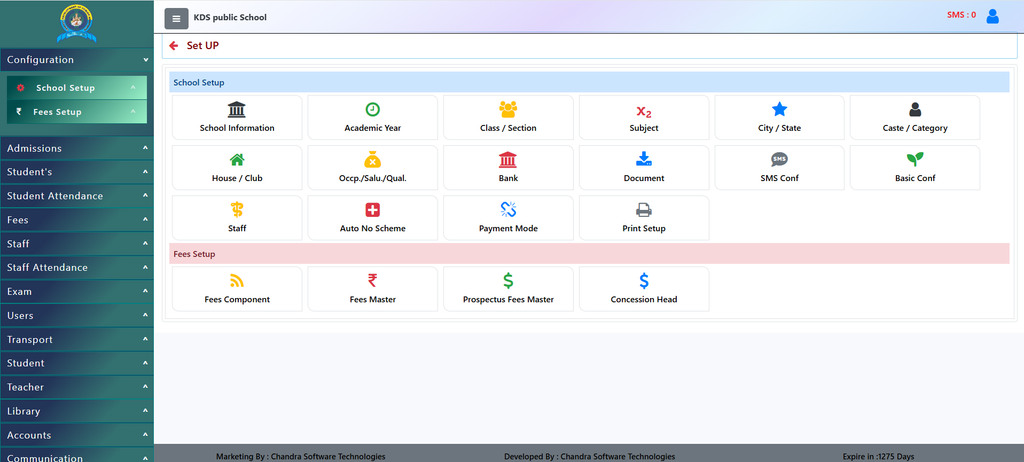
How to Use It (Simple Steps)
- Open the Staff Page: Log into your DigiEdu ERP account go to school configuration and click on the Staff tab in the side menu.
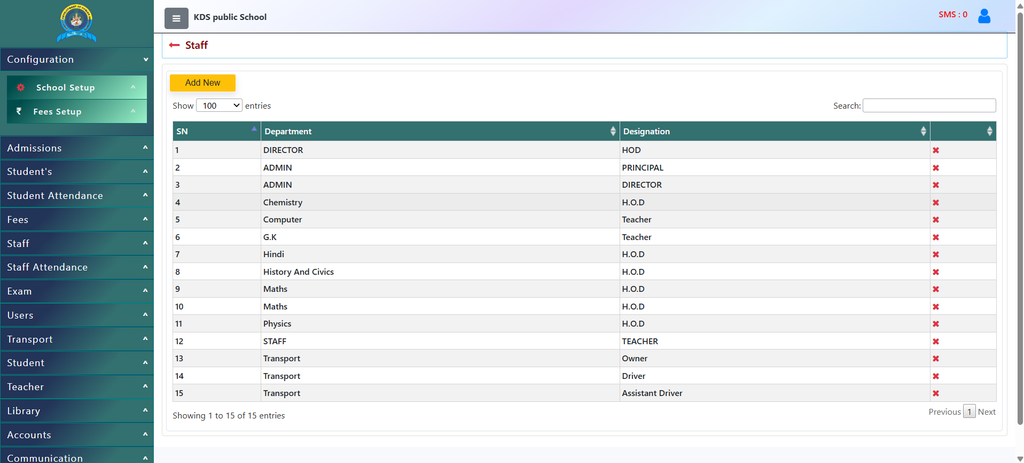
- View Existing Staff: Look at the table showing Serial Numbers (
SN), Department (e.g., Chemistry, Transport, Admin), and Designation (e.g., Teacher, H.O.D, Driver). - Add New: Click the yellow [Add New] button at the top to enter details for a new employee.
- Search or Filter: Type a name or role into the Search box on the top right to find a specific member instantly, or adjust the Show entries dropdown to view more rows at once.
Why Should Schools Use It?
- Instant Organization: Keeps all details, departments (like Maths, Computer, or Transport), and designations (like Principal, H.O.D, or Driver) neatly categorized in one place.
- Easy Role Management: Quickly identifies who is responsible for what department or duty without needing to check paper registers.
- Quick Searching: Includes a built-in search bar to instantly find any member by name, department, or title.
- Clean Record Maintenance: Makes it simple to add new staff members or remove old records with a single click.
Contact Chandra Software Technologies
Looking for a technology partner for your business? Get in touch with Chandra Software Technologies to discuss your requirements and explore the right digital solution for your organization.
Address:
2A/638, Krishna Vihar, BSA Engineering College Rd, Mathura, Uttar Pradesh 281001
Sales:
+91 821 848 8224
info@cstmtr.com
Support:
+91 821 848 8224
support@cstmtr.com